Webcams: why you look bad on calls (it's mostly not the camera)
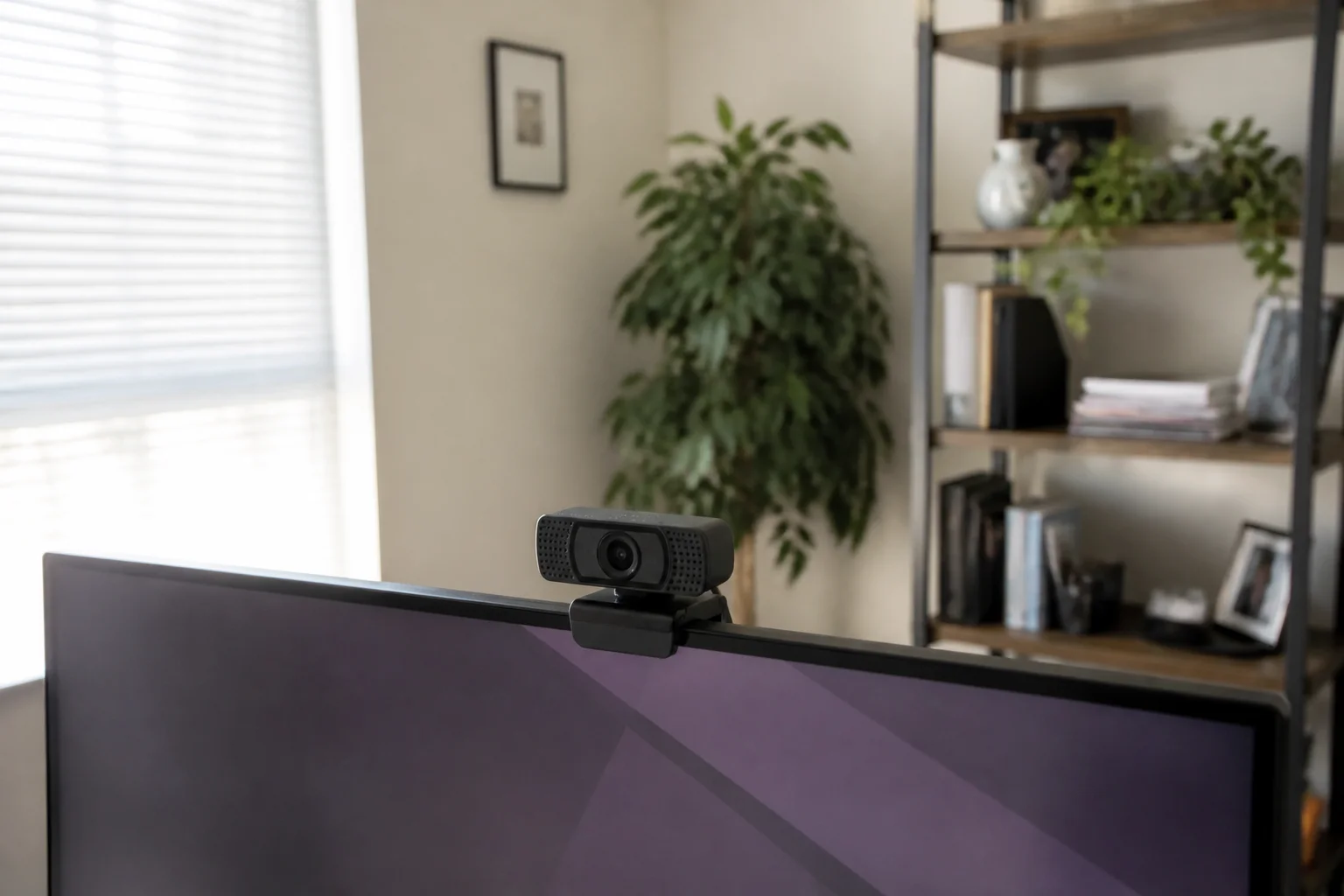
The uncomfortable truth about looking bad on calls: it's 60% lighting, 25% camera, 15% angle. The good news — all three are cheap to fix, in that order.
In this article:
- Lighting: the 60% fix
- What a real webcam actually buys
- Angle and framing: the 15% that reads as confidence
- The details that finish the job
- Key takeaways
- FAQ
Lighting: the 60% fix
Cameras are light-processing machines — starve them and even flagships produce grainy mush. The free fix: face a window (light in front of you, never behind — a bright window at your back turns you into a silhouette). This single change beats upgrading any camera, which is why it's step one and the marketing never mentions it.
What a real webcam actually buys
Laptop cameras are cost-engineered afterthoughts with tiny sensors in thin lids. Resolution truth: 1080p/30fps is the sweet spot — calls compress everything anyway; 4K webcams mostly buy cropping flexibility, not visible sharpness on Zoom.
Angle and framing: the 15% that reads as confidence
Camera at eye level — the up-the-nose laptop angle is unflattering on everyone and reads as looming. Raise the laptop on books or mount the webcam on the monitor you actually look at (a mismatched camera-and-gaze feels evasive on the other end). Frame with eyes on the top-third line, a little headroom, and an arm's length of distance. Ninety seconds of setup, permanent upgrade.
The details that finish the job
- Microphone: webcam mics beat laptop mics; any headset or desk mic beats both — audio quality influences how smart people think you are more than video does.
- Autofocus and low-light claims: read reviews for hunting-focus complaints; steady fixed-focus beats twitchy AF at desk distance.
- Privacy: a physical shutter is worth having; software indicators are politeness, not proof.
- Background: tidy beats virtual — blur eats hair and glasses edges on every platform.
Key takeaways
- Eye-level placement on the monitor you look at — the 90-second confidence upgrade.
- Your microphone matters more than your pixels; a headset finishes the setup.
FAQ
Do I really need an external webcam?
If calls matter professionally, it's the visible half of a cheap upgrade pair (light + camera). Laptop lids physically can't fit good cameras.
Is a 4K webcam worth it?
For meetings, no — platforms compress to oblivion; 1080p with good light wins. 4K earns its price for creators who crop and record locally.
Why do I look grainy on video calls?
Underexposure — the camera is amplifying a dark room. Face a light source and watch the grain vanish before touching your wallet.
What's the best webcam position?
Eye level, on the screen where the meeting lives, eyes on the upper-third line, window or lamp in front of you. That's the whole recipe.
Keep reading
Ultrawide vs Dual Monitors: Which Setup Wins for Real Work? →Mechanical Keyboard Guide: Switches, Sizes and Sound →
Not sure which one to buy?
Vic's benches: real Amazon & Walmart listings, live prices, honest verdicts.
Ask Vic →