Ultrawide vs dual monitors: which setup actually wins for work
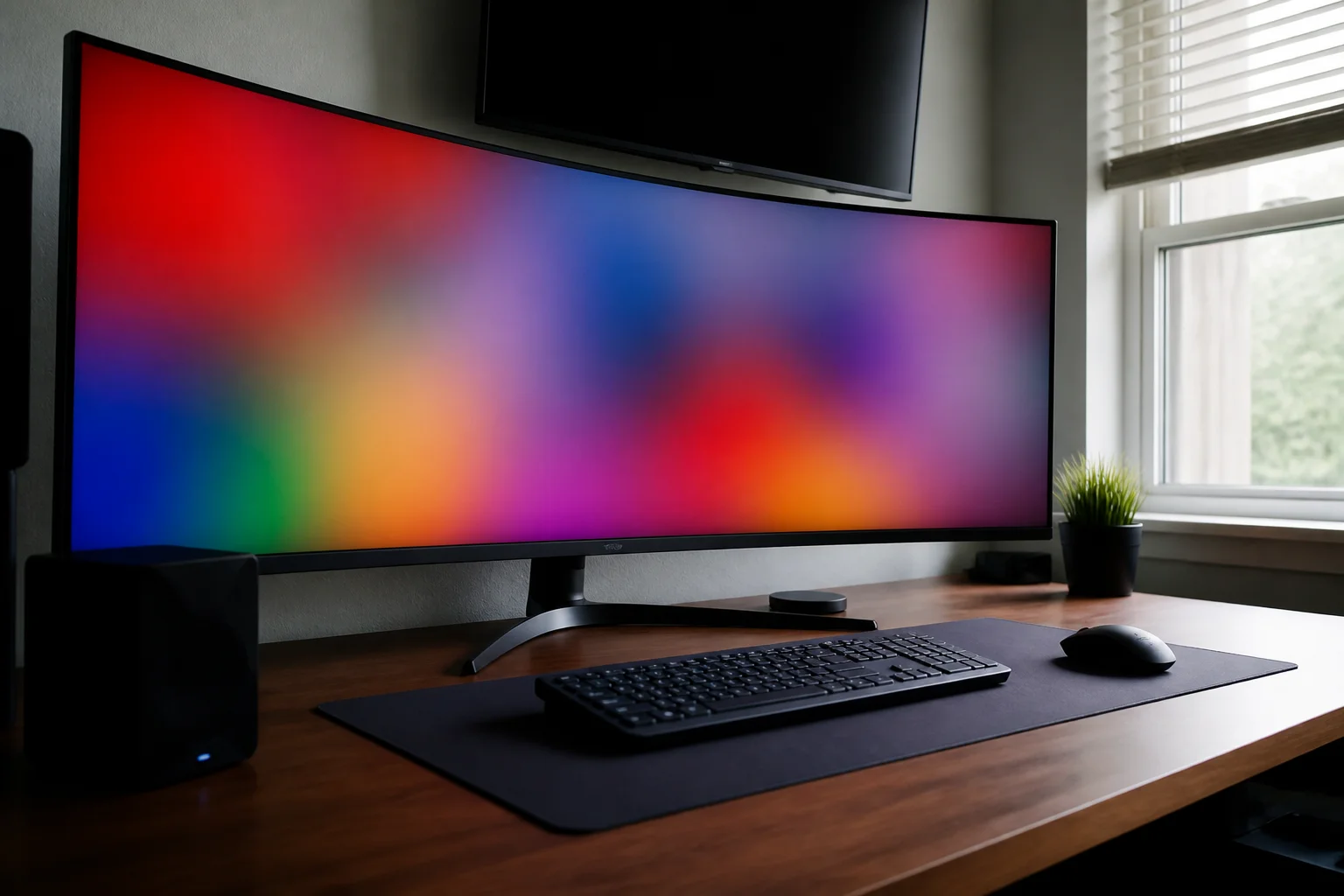
One seamless 34-inch curve, or two 27-inch panels for the same money? Both beat a laptop screen by a mile — but they suit different work. Here's the honest split.
In this article:
- The core trade
- Where ultrawide wins
- Where dual monitors win
- The neck-strain detail nobody mentions
- Key takeaways
- FAQ
The core trade
An ultrawide gives you one uninterrupted canvas — no bezel seam, one cable, elegant. Dual 27s give you more total pixels for less money, a natural 'main + reference' split, and one screen can rotate portrait for documents or code. Neither is 'better'; they're different shapes of the same upgrade.
Where ultrawide wins
- Timeline work: video editing, audio, Gantt charts — one long strip is exactly the right shape.
- Spreadsheet sprawl: a year of columns without scrolling.
- Immersive gaming: 21:9 support is mature and gorgeous.
- Desk aesthetics and one-cable laptop docking: many ultrawides charge the laptop and drive everything over a single USB-C.
Where dual monitors win
- Full-screen apps side by side: a call on one screen, real work on the other — no fiddly window snapping.
- Portrait mode: rotating one panel vertical is unbeatable for long documents and code.
- Budget and upgradability: start with one good 27", add the second later; replace one when it dies.
- Sharing/presenting: mirroring one screen while keeping notes private on the other.
The neck-strain detail nobody mentions
With duals, your main screen should sit dead ahead and the secondary angled beside — center the gap and you'll spend all day slightly rotated, which your neck logs by Friday. Ultrawides sidestep this: the center of the panel goes dead ahead and everything lives within a small head-turn. If you've had neck complaints, that's a genuine point for the curve.
Key takeaways
- Ultrawide = one perfect canvas; duals = more pixels per dollar and a portrait option.
- Timelines and immersion favor ultrawide; side-by-side full-screen apps favor duals.
- With duals, center your main screen — not the bezel gap — or your neck pays.
- USB-C one-cable docking is the quiet quality-of-life win of good ultrawides.
FAQ
Is an ultrawide worth it over dual monitors?
If your work is one big thing (timeline, sheet, code-plus-preview), yes. If it's two separate full-screen things (call + notes), duals do it with less window management.
What size ultrawide should I get?
34" (3440×1440) is the sweet spot — real estate without a head-swivel. 38"+ is lovely and priced like it. Skip 29" ultrawides; they're short.
Can a laptop drive an ultrawide?
Any recent USB-C/Thunderbolt laptop drives 3440×1440 at 60Hz+ with one cable, often charging through it too. Check the port spec on budget laptops.
Do I need a monitor arm?
For duals it's near-essential to get both to the right height and angle; for ultrawides, the stock stand is often fine — heavy curves need a serious arm, so check weight ratings.
Keep reading
Standing Desk Buying Guide: Motors, Memory and Wobble →MacBook Air vs Pro in 2026: Who Actually Needs the Pro? →
Not sure which one to buy?
Vic's benches: real Amazon & Walmart listings, live prices, honest verdicts.
Ask Vic →