Mechanical keyboards: switches, sizes and sound, decoded for normal people
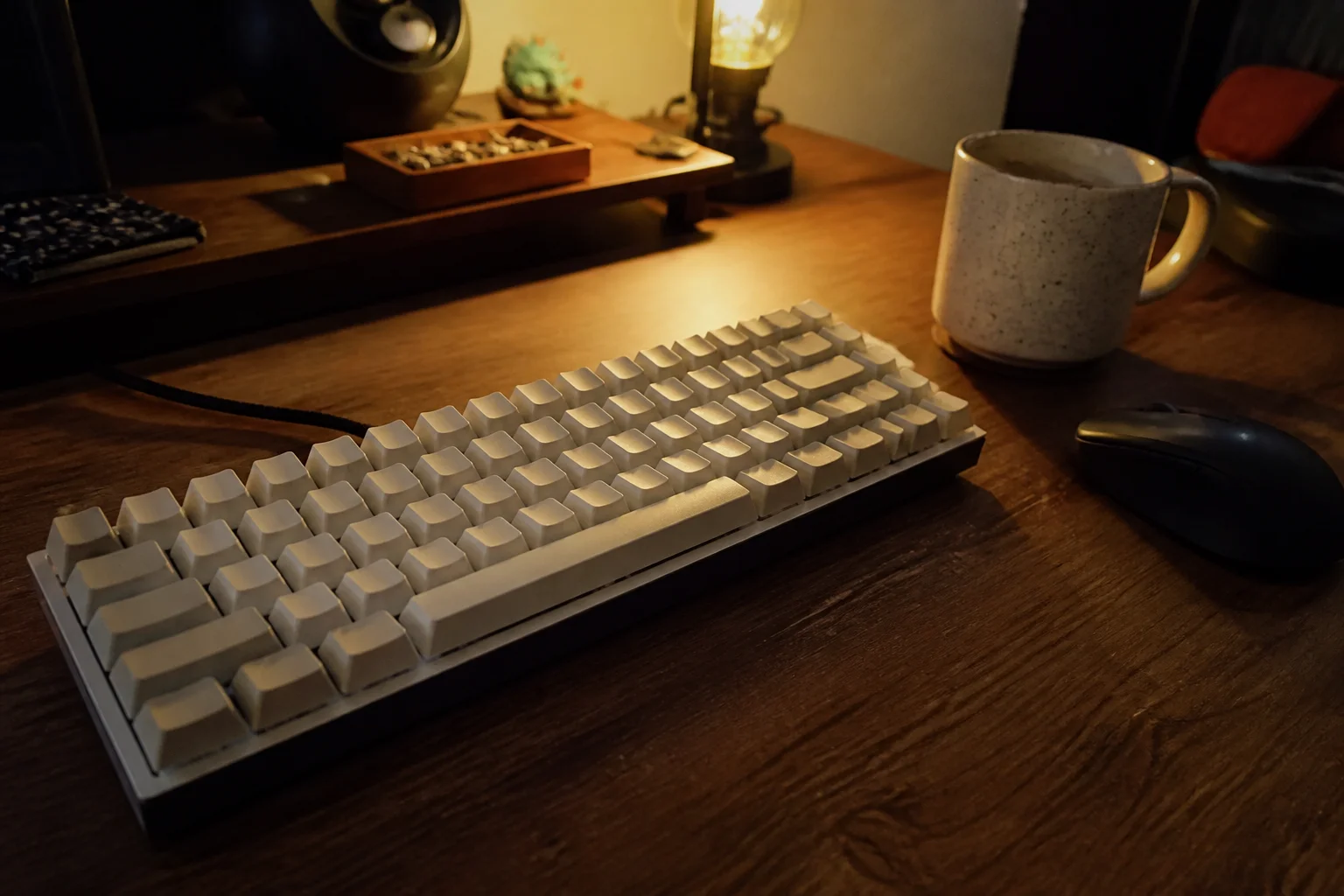
Mechanical keyboards went from niche hobby to mainstream upgrade for a reason — typing on a good one is tangibly nicer. The jargon wall isn't. Here's the whole thing decoded in five minutes.
In this article:
- Switches: the reds/browns/blues shorthand
- Sizes: what you lose shrinking down
- The specs that quietly matter
- Office and shared-space realities
- Key takeaways
- FAQ
Switches: the reds/browns/blues shorthand
The switch under each key defines the feel. Linear ('red'): smooth press, no bump — gamers like the speed, typists sometimes bottom out hard. Tactile ('brown'): a gentle bump right where the key registers — the versatile default for typing, and the safest first pick. Clicky ('blue'): the bump plus an audible click — deeply satisfying, socially unacceptable within microphone range of colleagues. When in doubt: tactile.
Sizes: what you lose shrinking down
| Size | What's gone | Who it suits |
|---|---|---|
| Full (100%) | nothing | number-pad users, spreadsheets |
| TKL (87%) | number pad | the sweet spot — full layout, more mouse room |
| 75% | pad + spacing squeezed | laptop-like, keeps F-row and arrows |
| 65% | F-row too | minimalists who still want arrows |
| 60% | arrows, everything | enthusiasts who relearn everything as layers |
Honest advice: TKL or 75% for most people. Sixty-percent boards photograph beautifully and frustrate daily until the layer shortcuts become muscle memory.
The specs that quietly matter
Hot-swappable sockets — change switches without soldering; it turns a purchase into a hobby-proof platform and is the single best future-proofing spec. PBT keycaps — resist going shiny, unlike cheaper ABS. Sound damping (foam, gaskets) — the difference between 'thock' and rattling toy. Wireless is finally lag-free on good boards; gamers wanting certainty still cable up. RGB lighting: entirely aesthetic, priced accordingly.
Office and shared-space realities
Even non-clicky mechanicals are louder than membrane keyboards — bottoming out on a hollow board carries through calls. The 'silent' switch variants are genuinely near-membrane quiet with the mechanical feel — the diplomatic answer for open offices and late-night typing next to a sleeping partner.
Key takeaways
- Tactile ('brown') switches are the safe, versatile first pick; clicky is for solo rooms.
- TKL or 75% size suits most people — 60% is a lifestyle, not a shortcut.
- Hot-swap sockets and PBT keycaps are the future-proofing specs worth insisting on.
- For offices: dampened boards and silent switches keep the feel without the glares.
FAQ
Are mechanical keyboards actually better for typing?
Consistent actuation, better feedback and decade-long durability — most people type more happily and slightly more accurately. It's a comfort upgrade more than a speed one.
Which switches should a beginner get?
Tactile (brown-style) on a hot-swappable board — the middle of every spectrum, changeable later for the cost of switches alone.
Machined cases, gasket mounting, better stabilizers and sound tuning — real refinements with diminishing returns.
Are they too loud for the office?
Clicky ones, absolutely. A dampened board with tactile or silent switches sits just above a laptop keyboard — office-fine in practice.
Keep reading
Ultrawide vs Dual Monitors: Which Setup Wins for Real Work? →Webcams: Why You Look Bad on Calls and What Fixes It →
Not sure which one to buy?
Vic's benches: real Amazon & Walmart listings, live prices, honest verdicts.
Ask Vic →