Mice: gaming vs productivity vs ergonomic, and what your wrist wants
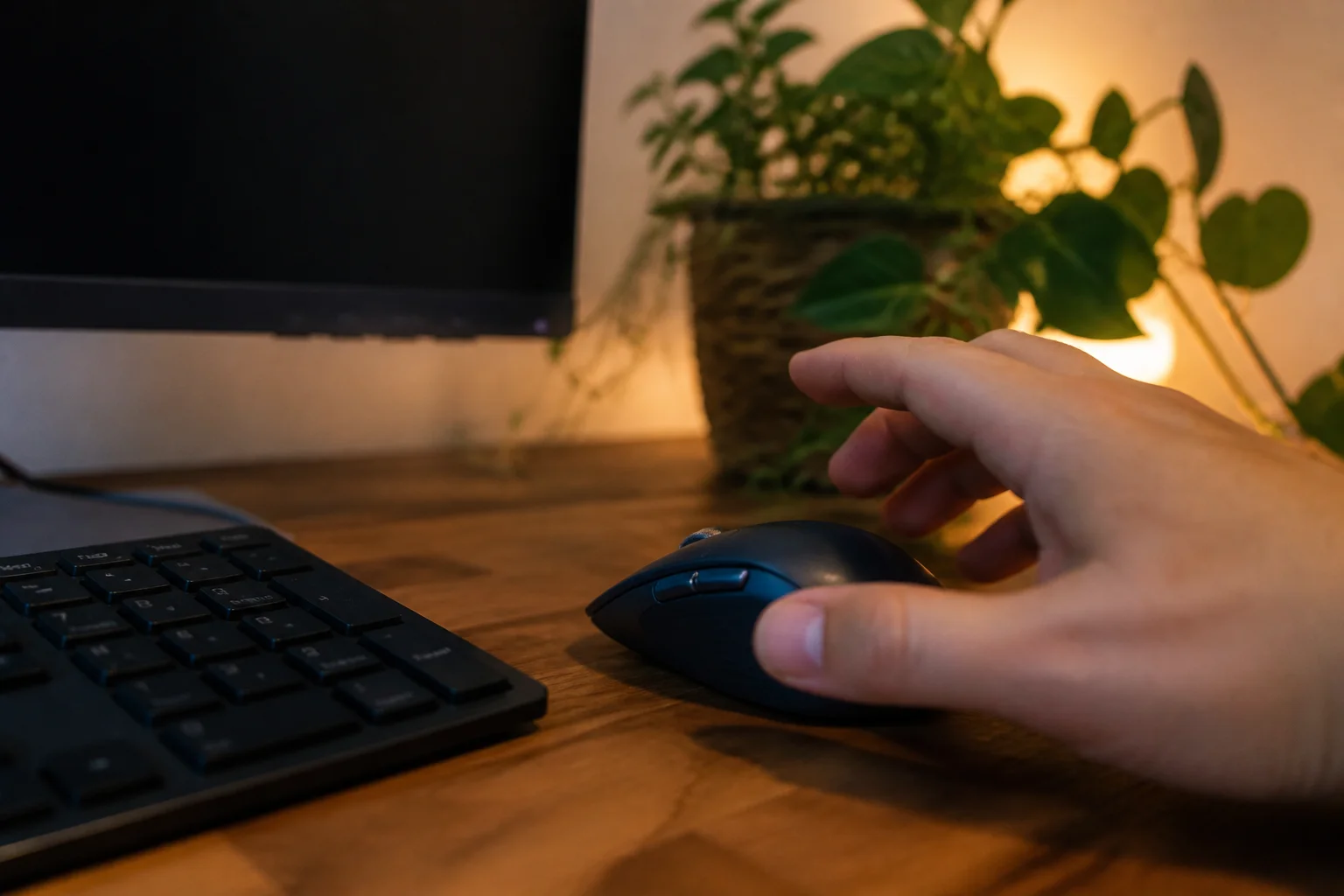
Mice are sold on DPI numbers nobody needs and bought for shapes nobody tries. Here's the honest split by what your hand actually does all day.
In this article:
- DPI: the spec that stopped mattering
- The three species
- Shape and size: the fit test
- The wrist-pain protocol
- Key takeaways
- FAQ
DPI: the spec that stopped mattering
Modern sensors are so uniformly good that tracking has stopped being a differentiator. What actually varies: shape, weight, buttons, and wireless reliability. Read DPI wars as a sign a brand has nothing else to say.
The three species
- Productivity mice: comfort-first shapes, quiet clicks, multi-device pairing (one mouse, laptop + desktop), and the killer feature — a free-spinning scroll wheel that flies through documents and spreadsheets. Office workers who try one don't go back.
- Gaming mice: feather weight (sub-60g for twitch aim), flawless sensors, low-latency wireless, grippy shapes. Honest note: they're excellent office mice too, minus the quiet clicks.
- Ergonomic/vertical: handshake-angle designs that unwind forearm rotation — genuine relief for RSI-adjacent wrists, with a two-week awkward phase everyone must pay.
Shape and size: the fit test
Hand size and grip style (palm draped, claw arched, fingertip) decide comfort more than any feature — a 'best mouse ever' review from a different-sized hand is worthless to you. Rough rule: measure palm-to-fingertip; under 7" favors small/medium mice, over 7.5" wants full-size. Weight preference splits people: heavy feels planted for precision work, light feels effortless for speed — there's no correct answer, which is why returnable retailers are the mouse shopper's friend.
The wrist-pain protocol
If mousing hurts: first the free fixes — mouse closer to the keyboard (reaching is the classic culprit), wrist floating not planted on an edge, arm doing big movements instead of wrist flicks. Then the hardware: a vertical mouse (commit through the two-week adaptation), sized correctly, and consider trackball for tendon-limited days — no arm movement at all. Persistent pain that hardware doesn't dent belongs to a professional, not a shopping cart.
Key takeaways
- DPI is solved and irrelevant past 3,200 — buy shape, weight and buttons.
- The free-spin scroll wheel is the productivity feature people can't give back.
- Fit = hand size + grip style; other people's reviews can't feel your hand.
- Wrist pain: fix position first, then vertical mouse with its two-week adaptation.
FAQ
How much DPI do I actually need?
Under 3,200 for essentially everyone, including gamers. Every modern sensor clears it — DPI headlines are the spec-sheet equivalent of a spoiler on a hatchback.
Are vertical mice really better for your wrist?
For forearm-rotation strain, genuinely — the handshake angle unwinds the twist. Expect two awkward weeks of adaptation before judging.
Can I use a gaming mouse for work?
Excellently — great sensors and shapes. The trades: louder clicks and RGB lighting your office may have opinions about.
Wired or wireless mouse?
Wireless is lag-free now for everything including gaming (good brands). Buy wireless with a USB receiver for reliability; Bluetooth-only can stutter on busy laptops.
Keep reading
Mechanical Keyboard Guide: Switches, Sizes and Sound →Ultrawide vs Dual Monitors: Which Setup Wins for Real Work? →
Not sure which one to buy?
Vic's benches: real Amazon & Walmart listings, live prices, honest verdicts.
Ask Vic →