Baby monitors: WiFi vs non-WiFi, and what parents wish they'd known
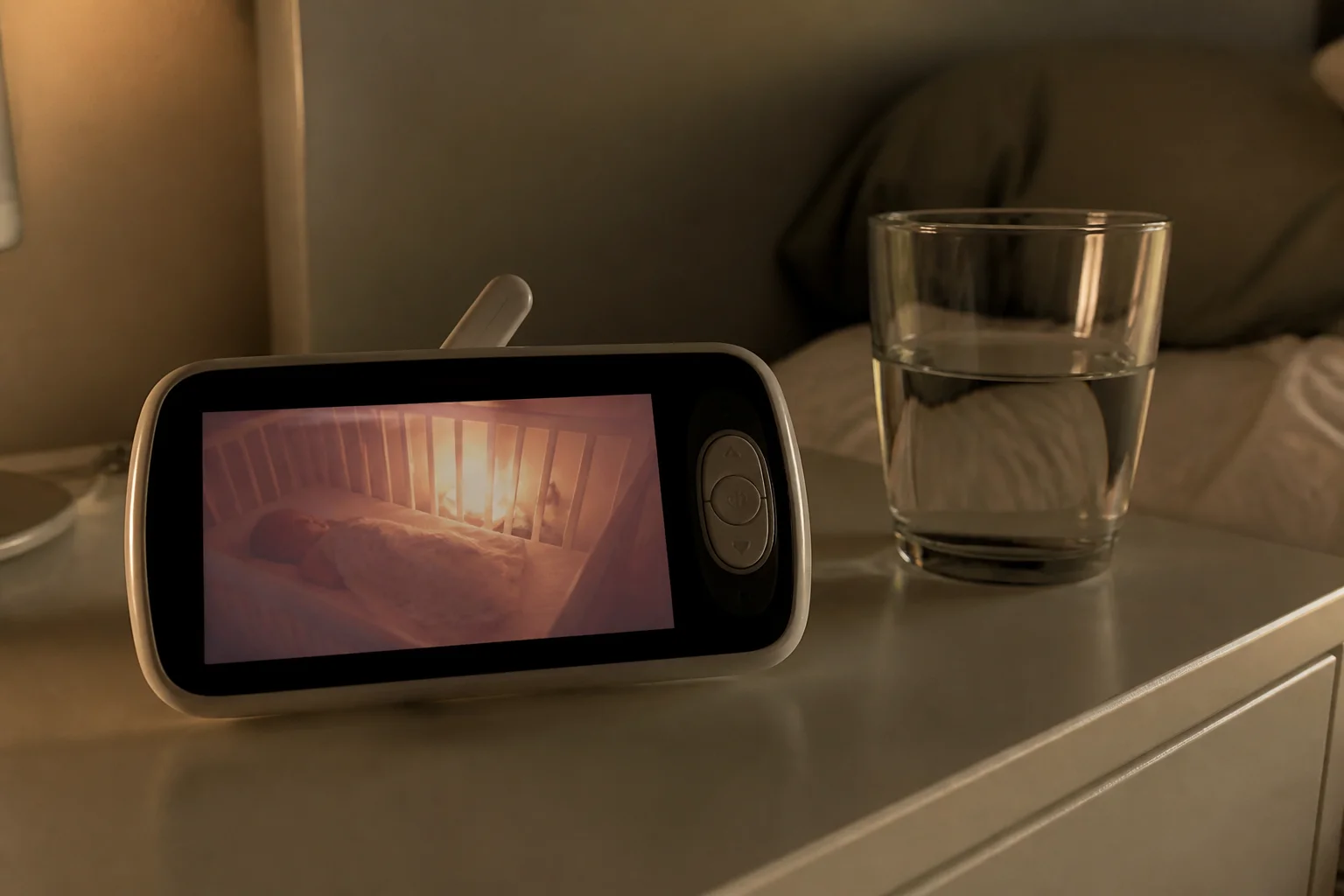
This is the one product category where 'it just works, every time' beats every clever feature — because the user is a sleep-deprived parent at 3am. Here's the honest split.
In this article:
- The two architectures
- The security question, honestly
- What parents actually report regretting
- Wearable sensors and the honest limits
- Key takeaways
- FAQ
The two architectures
Non-WiFi (dedicated parent unit): camera talks directly to its own handheld screen over a closed radio link. Nothing to hack from the internet, zero setup, works during internet outages, instant video. Limits: range tops out around the house and yard, one screen, no remote check-ins from work. WiFi (app-based): watch from anywhere, both parents simultaneously, sleep analytics, clips — and a dependency chain of router, cloud service and phone battery standing between you and the video at 3am.
The security question, honestly
The 'hacked baby monitor' stories are real but almost all trace to reused passwords on cloud accounts, not exotic exploits. If you go WiFi: unique password, two-factor on, a brand with a security track record and local-processing options. If that maintenance list sounds like one more job you don't want — that's the honest argument for the closed-radio monitor, which removes the entire attack surface by design.
What parents actually report regretting
Three patterns from thousands of owner reviews: choosing app-only and discovering phone-as-parent-unit means your phone can never sleep, be on a call, or run low; battery-life claims on parent units measured with the screen off (look for 8+ hours real screen-on); and buying sensor-laden systems whose false alarms produced more 3am terror than reassurance. The most-loved setups are boring: reliable video, great night vision, two-way audio, room temperature display.
Wearable sensors and the honest limits
Sock and clip sensors tracking oxygen and heart rate are marketed adjacent to safety, but they're not medical devices, and pediatric bodies (including the AAP) don't recommend consumer monitors for preventing sleep tragedies — safe-sleep practices do that. Some parents find the data calming; many find false alarms corrosive. Know which parent you are before paying the premium — and never let a gadget relax the actual safe-sleep basics.
Key takeaways
- Non-WiFi = unhackable, instant, always-works; WiFi = anywhere-access and analytics with a dependency chain.
- WiFi safety is mostly password hygiene — unique password + 2FA, or skip the architecture entirely.
- Real screen-on battery life and a dedicated parent unit are what 3am actually needs.
- Wearable vitals sensors aren't medical devices — safe-sleep practice is the safety layer.
FAQ
Do I need a WiFi baby monitor?
Need, no. Want, maybe — remote check-ins and two-phone viewing are genuinely useful for working parents. The dedicated-unit monitor remains the reliability-first default.
Can non-WiFi monitors be hacked?
Not from the internet — there's no internet in them. In theory someone within radio range with dedicated gear could intercept; practically, digital (FHSS) models make even that a non-issue.
What features actually matter?
Clear night vision, real 8h+ parent-unit battery, two-way talk, temperature display, and range that covers your garden. Sleep-tracking dashboards are nice-to-have, not need-to-have.
When do you stop using a monitor?
Whenever it stops serving you — commonly age 2–4. Toddler-mode features (no camera-touching alerts, talk-back) extend usefulness; there's no medical requirement either way.
Keep reading
Home Security Cameras: Wired vs Wireless vs Doorbell Explained →Humidifiers: Cool vs Warm Mist and the White Dust Problem →
Not sure which one to buy?
Vic's benches: real Amazon & Walmart listings, live prices, honest verdicts.
Ask Vic →