Soundbar buying guide: what those 2.1 / 3.1 / 5.1.2 numbers actually buy you
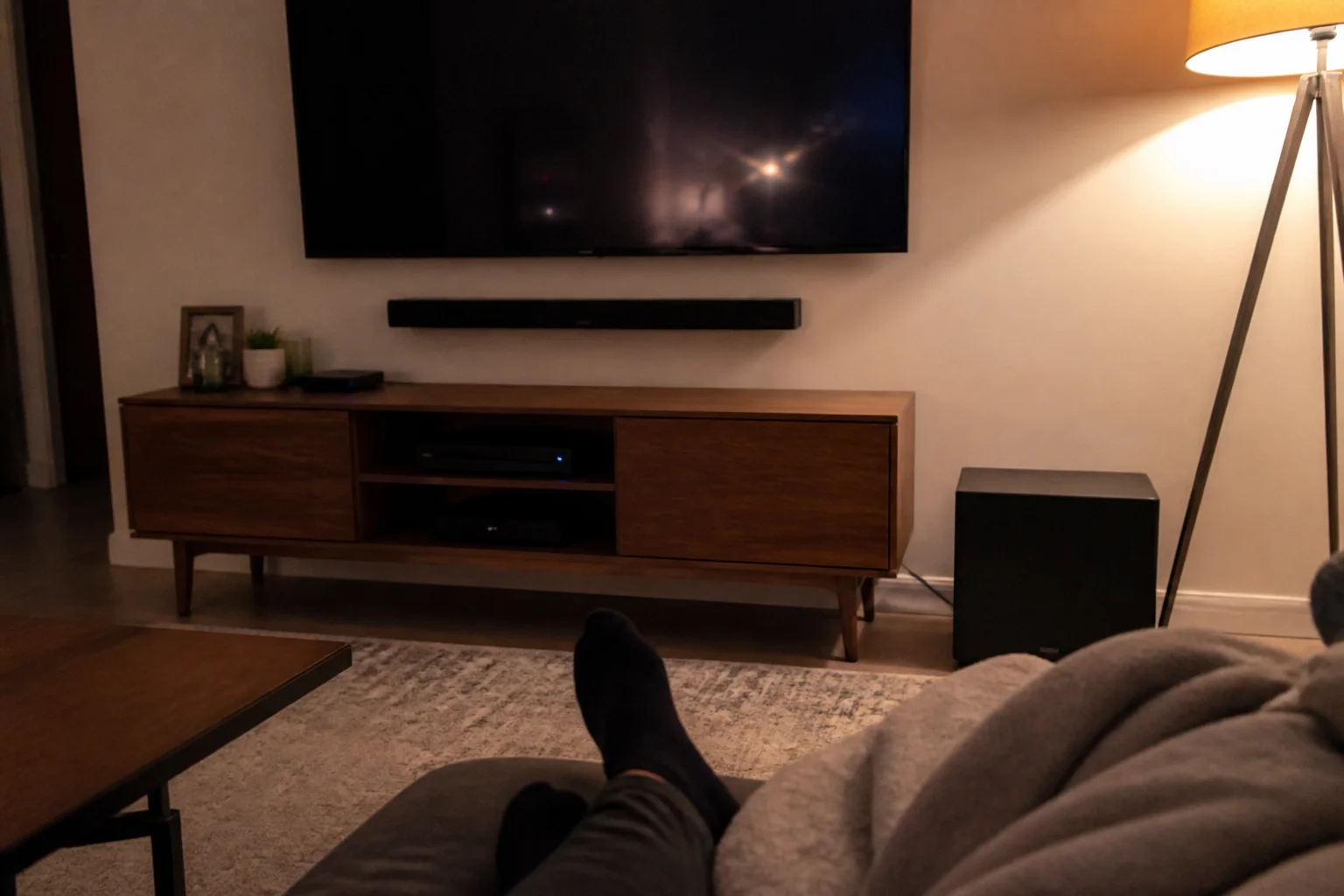
Every soundbar is 'cinematic' on the box. The channel numbers tell the truth — here's what each tier actually buys, and where the money stops mattering.
In this article:
- Decoding the numbers
- The subwoofer is half the experience
- Dialogue: the problem most people are actually solving
- Atmos: real versus checkbox
- Connections that matter
- Key takeaways
- FAQ
Decoding the numbers
The format is channels . subwoofer . height. 2.0 = stereo, louder clearer TV — the honest budget tier. 2.1/3.1 = adds a subwoofer (the '.1') and, at 3.1, a dedicated center channel for dialogue — the tier where movies start sounding like movies. 5.1 = surround, usually via rear speakers. x.x.2 and up = upward-firing drivers for Atmos height effects. Each step is real; the question is which step your room and habits justify.
The subwoofer is half the experience
The single biggest jump in the whole category is .0 → .1. Bass is what separates 'better TV speakers' from 'home theater' — explosions get weight, music gets a floor, and the main bar stops straining. A good 2.1 routinely beats a subwoofer-less bar at twice the price. If the budget forces a choice, take the sub over extra channels every time.
Dialogue: the problem most people are actually solving
Surveys of soundbar buyers keep finding the same motive: 'I can't hear the dialogue.' That's a center-channel job — the dedicated speaker in 3.1+ bars that locks voices to the screen — plus the dialogue-enhance modes most decent bars now include. If mumbly TV is your complaint, prioritize 3.1 over pseudo-surround gimmicks, and look for a bar with a separate center driver, not just a sound mode named 'Voice'.
Atmos: real versus checkbox
True Atmos needs upward-firing drivers bouncing sound off your ceiling (flat ceilings under ~11ft work best). Plenty of budget bars advertise 'Dolby Atmos' but only decode it through two front speakers — a checkbox, not an experience. The tell: look for '.2' in the spec and physical up-firing drivers. And be honest about the room: vaulted ceilings and open plans blunt the effect enough that a great 3.1 with a strong sub is often the smarter spend.
Connections that matter
HDMI eARC is the one port rule: it carries full-quality audio from any TV made in the last several years and lets one remote run everything. Optical works but caps quality and adds remote juggling. Rear-speaker expandability is worth checking too — several bars sell add-on rears later, which is the painless upgrade path from 3.1 to real surround.
Key takeaways
- The .1 subwoofer is the biggest single upgrade in the category — take it over extra channels.
- Can't hear dialogue? That's a 3.1 center-channel problem, not a volume problem.
- Real Atmos needs up-firing drivers (x.x.2) and a flat ceiling; 'Atmos' without them is a checkbox.
- Insist on HDMI eARC; check for add-on rear speakers as your upgrade path.
FAQ
Is a 2.1 soundbar good enough?
For most rooms and mixed TV/movie use, genuinely yes — the subwoofer does more than extra channels. Step to 3.1 if unclear dialogue is your main complaint.
Do soundbars work with any TV?
Any TV with HDMI ARC/eARC or optical out — effectively everything recent. eARC is preferred: full quality, one remote.
Is Dolby Atmos worth it on a soundbar?
With real up-firing drivers, a flat ceiling and movie-night habits, yes — height effects are genuinely fun. As a decoded checkbox on a 2.0 bar, no.
Where should the subwoofer go?
Front third of the room, near a wall for reinforcement — bass is fairly forgiving. Avoid corners if it booms; the cable-free wireless subs in most kits make experimenting easy.
Keep reading
Projector vs TV: Which Makes the Better Home Theater in 2026? →OLED vs QLED vs Mini-LED: Which TV Tech Is Actually Worth It? →
Not sure which one to buy?
Vic's benches: real Amazon & Walmart listings, live prices, honest verdicts.
Ask Vic →