Robot vacuum buying guide: what actually matters (and what is marketing)
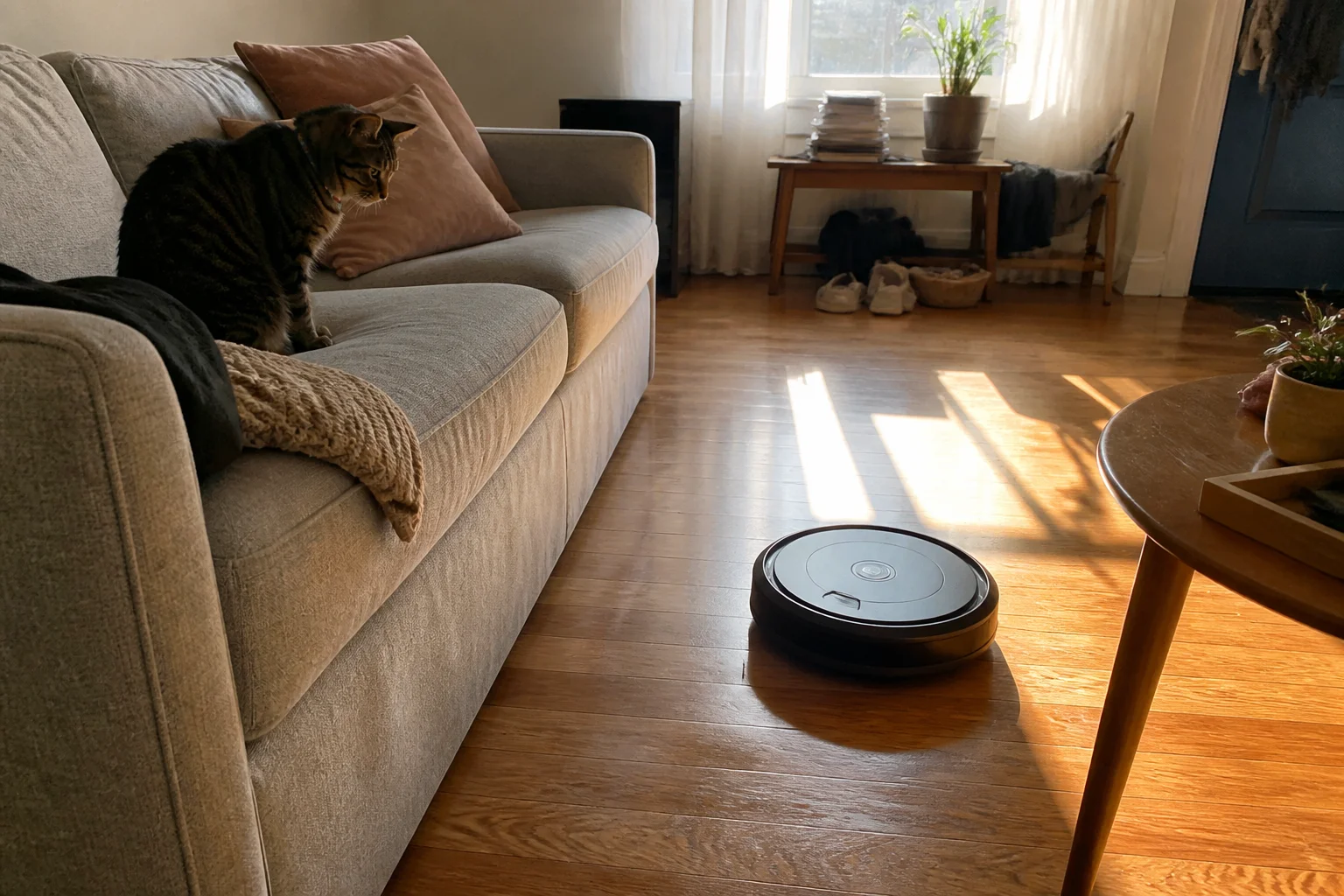
Suction numbers are marketing. Navigation, brush design and the dock decide whether a robot vacuum actually cleans your house — here's the honest checklist Vic uses before any robot earns a bench spot.
In this article:
- Pa (suction) numbers are the least useful spec
- Navigation is the difference between clean and chaos
- The dock matters more than the robot
- Mopping: know what you're really getting
- The specs that predict real-world happiness
- Key takeaways
- FAQ
Pa (suction) numbers are the least useful spec
Every listing screams pascals — 5,000Pa, 8,000Pa, 11,000Pa. Here's the problem: there's no standardized test behind those numbers, and past roughly 4,000Pa the limiting factor on carpet is the brush, not the motor. A well-designed 5,500Pa robot with a good rubber brush out-cleans a poorly-designed 10,000Pa one every time.
What to check instead: brush design (dual rubber rollers beat a single bristle roller for hair), brush width, and whether the robot boosts power automatically on carpet.
Navigation is the difference between clean and chaos
LiDAR navigation — the little turret on top — maps your home, cleans in tidy rows, and reliably finds its dock. Camera-based (vSLAM) robots are cheaper and slimmer but struggle in dark rooms.
- LiDAR: the default choice for most homes — fast mapping, no-go zones in the app, works in the dark.
- vSLAM (camera): fine in bright, simple layouts; fits under lower furniture without the turret.
- Gyro/random: budget only. Accept it misses spots.
The dock matters more than the robot
Self-empty docks changed the category: the robot empties its tiny bin into a sealed bag you touch every 6–8 weeks. If anyone in the house has allergies, this is the single best reason to spend more. Mop-washing docks (hot-water wash, drying) matter only if you'll actually use the mop — and on mostly-carpet homes you won't.
Mopping: know what you're really getting
Flat-pad moppers smear more than they scrub — fine for dust, useless on dried spills. Rotating-disc or vibrating pads with real downforce do noticeably better, and the best systems lift the mop (or drop it at the dock) when carpet is detected. If your home is mostly hard floor, prioritize this; mostly carpet, skip the mop entirely and put the budget into the brush and dock.
The specs that predict real-world happiness
| Spec | Ignore when… | Care when… |
|---|---|---|
| Pa suction | above ~4,000 | |
| Battery mins | above 150 | home is 2,000+ sq ft |
| Obstacle AI | you tidy before runs | pets, cables, kids' toys |
| Dust-bag size | — | shedding pets (bigger = fewer swaps) |
Obstacle avoidance deserves one honest note: AI cameras that dodge cables and pet accidents are genuinely useful in messy homes, and they're the feature most our testing found they'd pay for again.
Key takeaways
- Ignore pascal ratings past ~4,000Pa — brush design and carpet boost matter more.
- LiDAR navigation is worth it in almost every home; random-bounce is budget-only.
- A self-empty dock is the best money you can spend if allergies or pets are involved.
- Skip the mop in carpet-heavy homes and spend the difference on the dock.
FAQ
How much should I spend on a robot vacuum?
Do robot vacuums work on thick carpet?
Medium pile is fine for most LiDAR models with carpet boost; true high-pile or shag defeats nearly all of them — check the bench notes for the specific model before buying.
How long do robot vacuums last?
Plan on 4–6 years. Batteries, brushes and filters are consumable — a brand with cheap, available spare parts ages far better than a no-name with none.
Is mapping a privacy risk?
The map lives in the maker's cloud in most cases. If that bothers you, several bench picks support local-only operation — look for 'works offline' in the verdict.
Keep reading
Cordless Vacuum Battery Life: The Truth Behind Runtime Claims →Air Purifiers: What CADR Really Means and the Room-Size Math →
Not sure which one to buy?
Vic's benches: real Amazon & Walmart listings, live prices, honest verdicts.
Ask Vic →