Inkjet vs laser: the home printer decision that decides your next 5 years
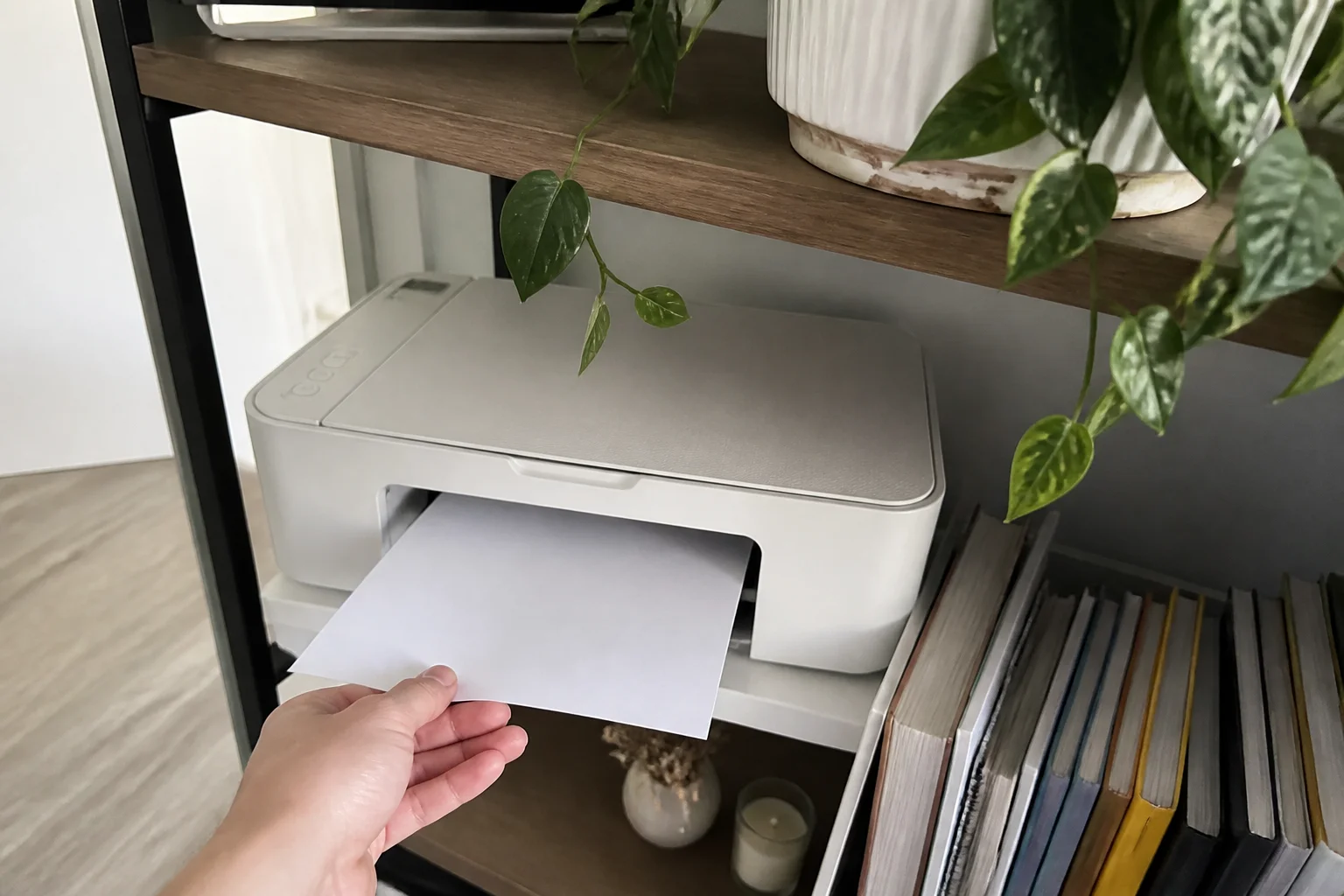
Printers are sold cheap and monetized forever — the razor-and-blades trick perfected. The way out is matching the technology to how often you actually print. Here's the honest math.
In this article:
- The idle test: how printers actually die
- Cost per page: the real bill
- The honest recommendations
- Features worth checking, briefly
- Key takeaways
- FAQ
The idle test: how printers actually die
The question that decides everything: how long does your printer sit between jobs? Inkjet heads clog when idle — the machine then burns ink on cleaning cycles or produces streaked pages exactly when you need a boarding pass. Laser toner is dry powder: a laser printer ignored for six months prints page one perfectly. Occasional printers (a few pages a month, in bursts) are laser people who keep buying inkjets — the category's most repeated mistake.
Cost per page: the real bill
| Type | Machine | Cost/page (mono) | Five-year story |
|---|---|---|---|
| Cartridge inkjet | 5–10¢ (color 15–25¢) | the cartridges out-cost the printer | |
| Tank inkjet | ~0.3–1¢ | bottles last years — volume printer's dream | |
| Mono laser | 2–4¢ | boring, reliable, cheap forever | |
| Color laser | 10–15¢ color | crisp docs; photos mediocre |
The bargain cartridge inkjet is the most expensive printer on this table for anyone who prints regularly — and ink subscriptions (with remote-disable DRM strings attached) are the tell.
The honest recommendations
- Occasional printer (most homes): mono laser. Boring, ~3¢ pages, works after any idle stretch. Color needs go to the pharmacy photo kiosk, cheaper and better.
- Family/home-office volume: tank inkjet — the refill-bottle designs genuinely fixed inkjet economics; sub-cent pages, color included.
- Photo printing as a hobby: dedicated photo inkjet, eyes open about ink costs.
- 'Cheapest printer on sale': that's the trap.
Features worth checking, briefly
Duplex (two-sided) printing saves real paper; an ADF (document feeder) matters if you scan stacks; and check WiFi reliability in reviews specifically — 'printer won't connect' is the category's top complaint, and it clusters by model. Third-party toner/tank compatibility is the quiet money question: some brands tolerate it, some firmware-block it. A printer you can feed cheaply for a decade is the actual product.
Key takeaways
- Print rarely → mono laser: toner can't clog, page one always works.
- Print plenty → tank inkjet: sub-cent pages ended the cartridge racket.
- Check duplex, WiFi reliability by model, and third-party consumable tolerance.
FAQ
What printer should most families buy?
A tank inkjet if you print weekly (school, forms, some photos); a mono laser if the printer mostly waits. Both escape the cartridge treadmill.
Why does my inkjet always need cleaning?
Idle time clogs heads, and cleaning cycles burn ink to fix it. It's the technology, not your unit — irregular printers belong on laser.
Are ink subscriptions worth it?
For heavy, steady color printers the math can work; know that the printer reports home and cartridges can be disabled remotely if you cancel. Tank printers make the whole question moot.
Do laser printers print photos?
Glossy-photo quality, no — color laser is for documents and charts. For occasional photo prints, kiosk printing beats owning any photo printer.
Keep reading
Wi-Fi 6 vs 6E vs 7: Do You Actually Need a New Router? →Webcams: Why You Look Bad on Calls and What Fixes It →
Not sure which one to buy?
Vic's benches: real Amazon & Walmart listings, live prices, honest verdicts.
Ask Vic →