
Stacking Cashback Apps and Store Credit Cards Without Losing the Rewards
Originally published on the SavvyDime blog, August 9, 2026. Reproduced here in full.
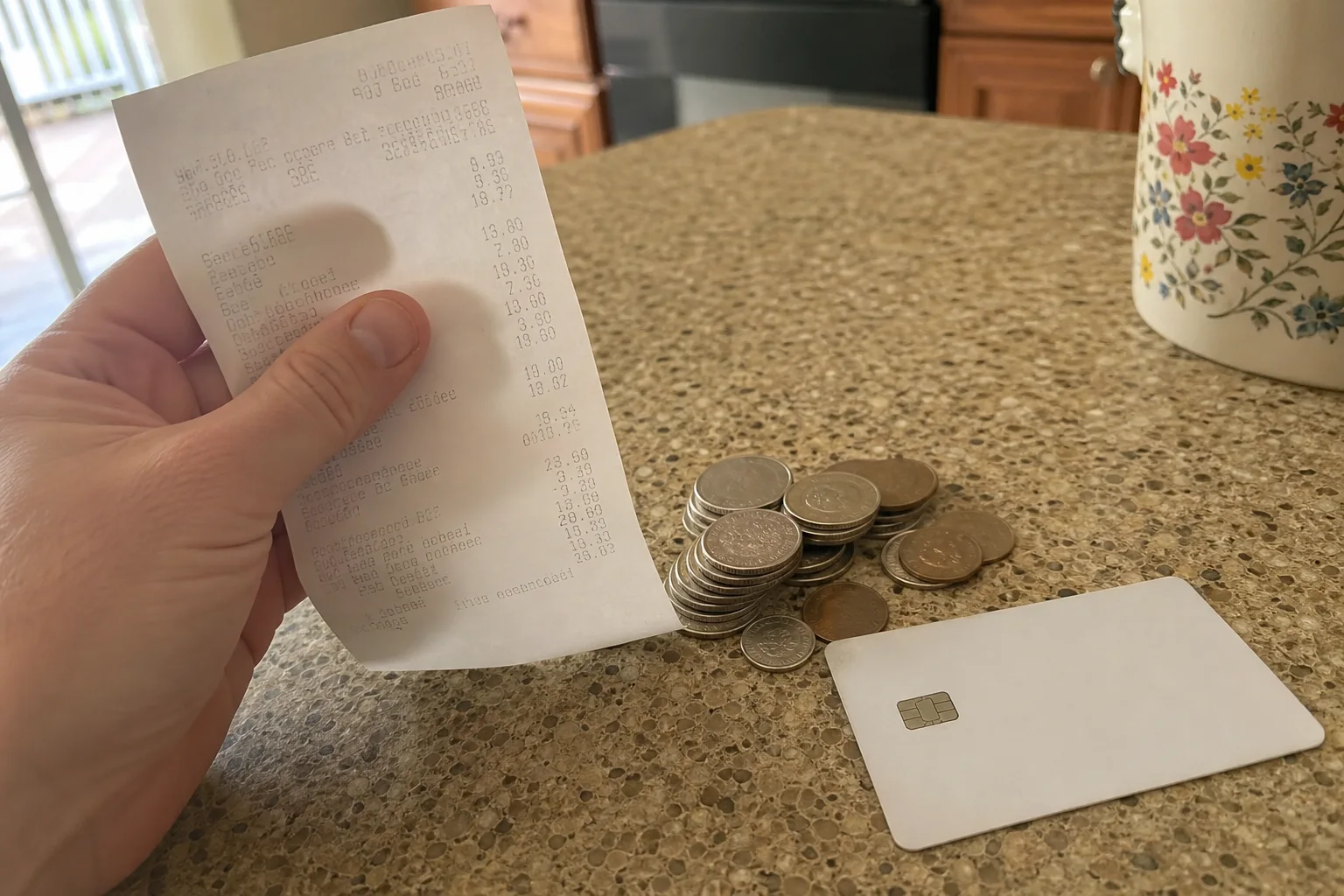
Cashback browser extensions, a rewards credit card, and a store's own loyalty points can be combined on a single purchase, but the order you activate them in determines whether all three actually track. Get the sequence wrong and the portal click, the card swipe, or the loyalty scan can silently cancel out one of the other layers.
In this article:
- The stacking order that actually works
- Which cashback layers conflict with each other
- Matching the right card to the right store's bonus category
- What voids a tracked cashback portal click
- Store loyalty points vs. cashback: when to pick one
- A real example: three layers on one purchase
The Stacking Order That Actually Works
Start with the cashback portal (Rakuten, TopCashback, or similar) first: click through the portal's link before you do anything else, since the tracking cookie has to be the most recent one set in your browser. Then pay with the specific credit card that earns the highest bonus category rate for that store. Finally, enter or scan the store's own loyalty number during checkout, since loyalty points are usually tracked separately from both the card network and the cashback portal and rarely conflict with either.
Which Cashback Layers Conflict With Each Other
The most common failure is clicking a portal link, then opening a coupon browser extension that applies its own affiliate code at checkout — the extension's code often overwrites the portal's tracking, so the portal cashback doesn't register. Run only one browser-based cashback or coupon tool per purchase, and disable ad blockers and other coupon extensions specifically during that checkout.
Category Bonuses: Matching the Right Card to the Right Store
Rewards cards typically pay 1% back on general purchases but 3 in specific bonus categories (department stores, online shopping portals, or rotating quarterly categories). Check your card's current bonus categories before a big purchase, since some issuers rotate them quarterly and require manual activation to earn the higher rate.
Cashback Portals: What Voids Your Tracked Click
Opening a new tab, using an in-app browser instead of your regular browser, or applying a promo code not listed on the portal's own offer page can all break the tracking cookie between your portal click and the store's checkout. Complete the purchase in the same browser tab the portal redirected you to, and only use promo codes the portal itself lists as compatible.
Store Loyalty Points vs. Cashback: When to Pick One
When a store explicitly says a purchase can't earn both loyalty points and a cashback portal rate (some retailers exclude portal traffic from earning loyalty points), compare the two: a store card's points are usually worth 1-2 cents each toward future purchases at that store only, while portal cashback of 3-8% is real, unrestricted cash. Unless you're close to a loyalty tier threshold that unlocks a meaningfully better perk, the portal cashback is usually the better trade.
A Real Example: Stacking Three Layers on One Purchase
Key Takeaways
- Click the cashback portal link first, then pay with your best bonus-category card, then scan store loyalty last.
- Run only one browser-based cashback or coupon extension per purchase — stacking two often cancels the portal's tracking.
- Check your card's current bonus categories before a big purchase; some require quarterly activation.
- Complete checkout in the same tab the portal redirected you to, using only portal-approved promo codes.
- Compare loyalty points value against portal cashback rate directly — many retailers exclude one when you use the other.
FAQ
Why didn't my cashback portal click track?
The most common cause is a coupon or ad-blocking browser extension interfering with the tracking cookie, or opening a new tab instead of completing checkout in the same tab the portal redirected you to.
Can I use two cashback portals on the same purchase?
No. Only the most recently set tracking cookie counts, so clicking through a second portal after the first overwrites the first portal's tracking entirely.
Do store credit cards ever beat a cashback portal rate?
Sometimes, when a store card offers a large one-time bonus or a high rotating category rate at that specific retailer, but portal rates are usually more consistent and don't require carrying a store-specific card.
Does using a cashback portal affect my ability to return the item?
No, cashback portal tracking doesn't change the retailer's own return policy, though most portals do reverse the cashback credit if the underlying purchase is returned or canceled.