
Originally published on the SavvyDime blog, August 3, 2026. Reproduced here in full.
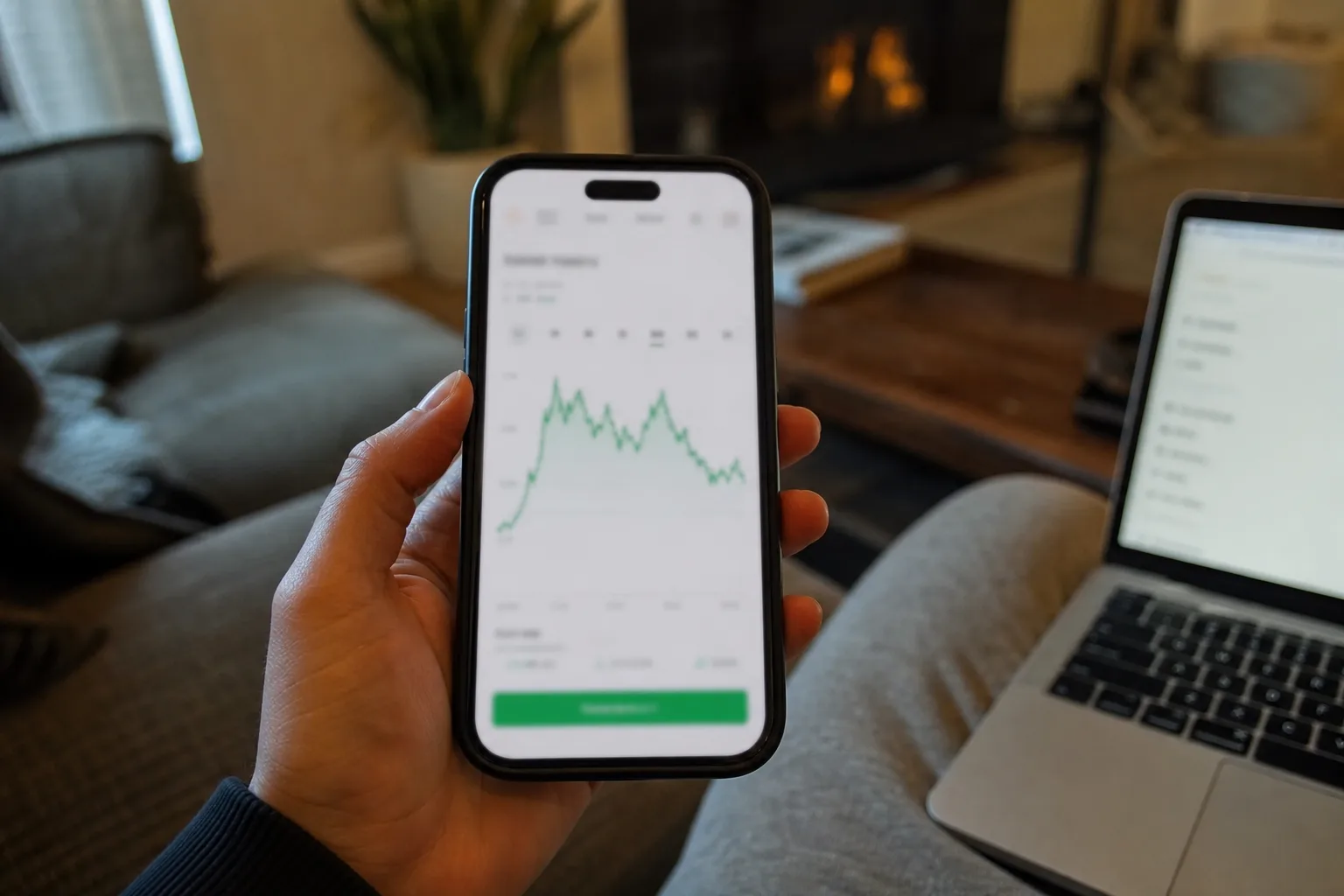
Price-tracking tools log a product's price over weeks or months, so you can see whether today's number is actually a deal or just the regular price with a "Sale" sticker on it.
In this article:
- The Tools Worth Installing
- Setting Alerts That Actually Fire in Time
- When to Buy Anyway, Even Without a Drop
- Key Takeaways
- FAQ
Retailers routinely raise a price for a week or two right before "discounting" it back to where it normally sits, which makes a markdown look bigger than it is.
The Tools Worth Installing
A handful of free tools cover most retailers:
- Camelizer
- Keepa
- Honey and similar browser extensions — surface active coupon codes at checkout in addition to price tracking.
- Retailer-native "notify me" buttons — less powerful, but useful as a backup on sites the extensions don't cover.
Look at the 90-day low, not just the current price. Wait for the chart to approach or beat that historical low before buying.
Setting Alerts That Actually Fire in Time
Set your target price at or slightly above the historical low, not exactly at it — some tools check prices only every few hours, and a flash restock can sell out before your alert lands. For high-demand items, layer a second alert 5 above your ideal price as a fallback.
When to Buy Anyway, Even Without a Drop
Tracking tools are less useful right before a known sale event (Black Friday, Prime Day) since retailers hold their best pricing for those dates regardless of the 90-day trend. If you're shopping within two weeks of one of those events, it's usually worth waiting rather than trusting the chart.
Key Takeaways
- Compare today's price to the 90-day low, not the "original" price shown on the sale tag.
- Camelizer and Keepa cover most of what a casual shopper needs, both free.
- Set alerts slightly above your ideal price to account for tools that check infrequently.
- Hold off on tracker-based decisions in the two weeks before major sale events.
FAQ
Do price trackers work on every retailer?
No — coverage is strongest on Amazon and large marketplaces; smaller independent stores often aren't tracked at all, so a manual notify-me signup is your best fallback there.
Is Camelizer or Keepa better?
Camelizer is simpler and Amazon-specific; Keepa gives more detailed, longer-range charts and covers more categories, which is worth it if you track expensive purchases like electronics.
Can retailers tell I'm using a price tracker?
No, these tools read publicly available price data and browser extensions don't share your activity with the retailer.